LNH31.
Cross-border trade · B2B · Amazon
Product Photography6 min read·
Amazon Product Photography Requirements: What Every Seller Must Know
Amazon has strict image requirements — and the right photos are your single biggest conversion lever. This guide covers technical specs, image types, and what separates listings that sell from those that don't.
amazon product photographyamazon product photo requirementsamazon main image rulesamazon listing imagesamazon white background photo
Amazon's Technical Image Requirements
Amazon accepts JPEG (.jpg), TIFF (.tif), GIF (.gif), and PNG (.png) formats. JPEG is the standard — it offers the smallest file size with excellent quality. Maximum file size per image is 10MB.
Minimum image size: 1,000 pixels on the shortest side. However, Amazon recommends at least 1,600 pixels on the shortest side to enable the zoom feature — buyers can hover to enlarge the image, which significantly improves conversion. Professional photographers shoot at 2,000+ pixels on the shortest side.
You can upload up to 9 images per ASIN (7 visible to buyers plus 2 that may display depending on category). Upload all 9 positions — each additional image is a chance to address a buyer concern or showcase a use case.
Supported color profile: sRGB or CMYK. Use sRGB for digital images — CMYK is a print color space and can cause color shifts when displayed on screens.
Main Image Rules: What Amazon Strictly Enforces
The main image (the one shown in search results) has strict rules that Amazon enforces by suppressing listings that violate them. Breaking these rules is the fastest way to have your listing removed from search.
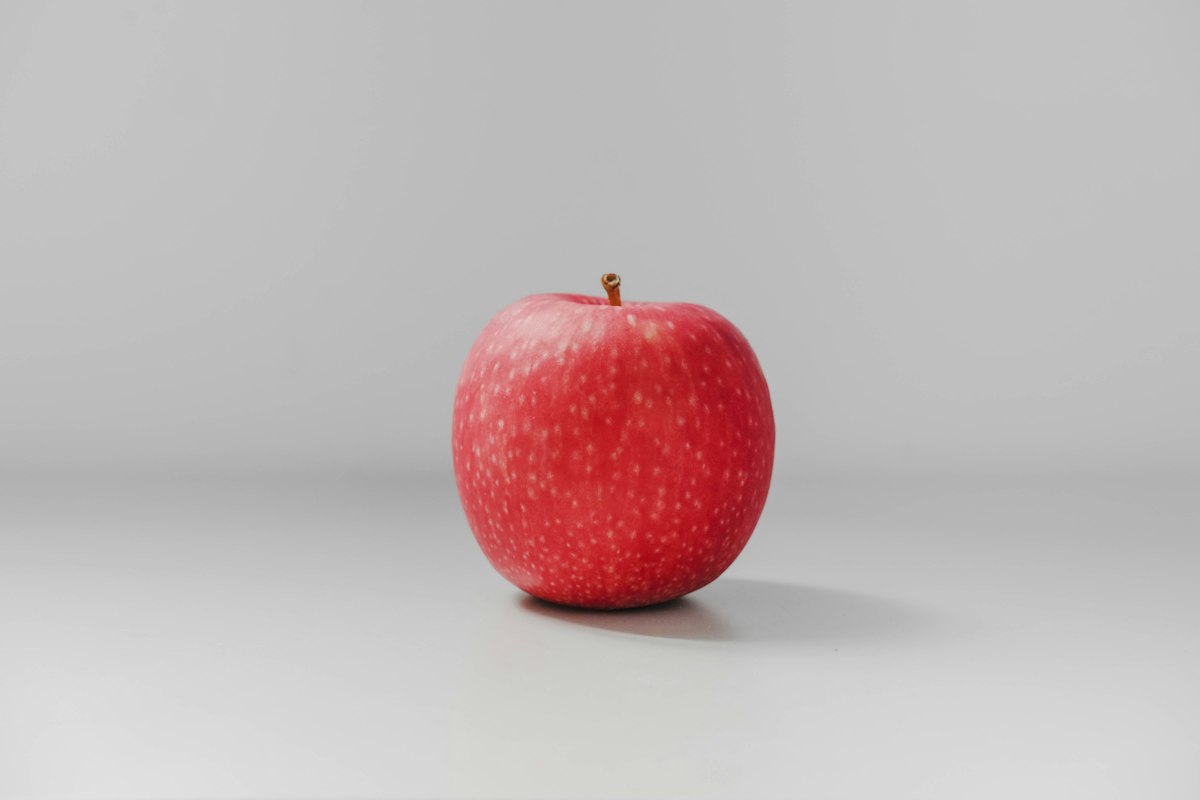
Required: pure white background (RGB 255, 255, 255). Not off-white, not light gray — pure white. If you photograph on a white backdrop, you almost certainly need post-processing to achieve the correct pure white. Use Photoshop's "Replace Color" or a professional photo editor.
Required: the product must fill at least 85% of the image frame. A small product floating in a sea of white fails this rule. Zoom in during editing so the product dominates the frame.
Prohibited on the main image: text overlays, watermarks, logos, borders, additional props or accessories not included in the purchase, background graphics or patterns, lifestyle elements (people, room settings), and mannequins for apparel.
A common mistake Taiwan sellers make: using manufacturer product photos that include Chinese text, watermarks, or factory background elements. Always commission new photography before listing — never use manufacturer stock images as your main image.
The 7 Image Types That Drive Conversions
Image 1 — Main image (white background): the product alone, perfectly lit, filling 85%+ of frame. This is your first impression in search results.
Image 2 — White background variant or key angle: show the product from a different angle, or if it has multiple components, show them arranged clearly.
Image 3 — Lifestyle in use: the product being used by a real person in a realistic setting. This helps buyers visualize themselves using it. For kitchen tools, show food being prepared. For pet products, show an actual pet.
Image 4 — Feature callout infographic: an image with short text callouts highlighting key specifications. "18/10 Stainless Steel," "Ergonomic Handle," "Full-Tang Construction." These answer the questions buyers have without making them read bullets.
Image 5 — Scale/size reference: show the product next to a common object (a hand, a coin, a standard bottle) or include a ruler. Buyers consistently cite "different size than expected" as a top return reason — prevent this.
Image 6 — Packaging or unboxing: show exactly what arrives in the box. Builds trust and reduces "missing parts" complaints.
Image 7 — Social proof or comparison: if you have genuine five-star reviews, a graphic showing "4.8 ★ from 500+ customers" is permitted in non-main images. Or a side-by-side comparison chart showing your product vs. generic alternatives.
Budget and Sourcing Photography from Taiwan
Professional Amazon product photography in Taiwan costs $150–400 USD per product for a full set of 7–9 images. Studios in Taipei with Amazon FBA experience understand the white background requirements and lifestyle conventions.
US-based Amazon photography services (like ProductPhoto.com or PickFu for testing) charge $200–600 per product and shoot with US lifestyle contexts — US kitchen settings, US model hands — which resonates better with US buyers than photos taken in Taiwanese settings.
DIY photography: achievable for product-only shots with a $30–50 lightbox, a DSLR or iPhone 14+, and Photoshop for background removal. Not recommended for lifestyle shots — these require real sets, lighting setups, and models.
Critical test before going live: view your main image thumbnail at 200×200 pixels (how it appears in mobile search). If the product is hard to identify at that size, the image will not compete with professional listings. Buyers make split-second decisions based on thumbnails.
Frequently Asked Questions
Can I use a model in my Amazon main image?
No. Amazon's main image policy prohibits human models, lifestyle settings, or props not included with the product. Models and lifestyle elements are permitted in secondary images (positions 2–9). For apparel, a mannequin or flat-lay is acceptable for the main image in some categories, but check your specific category style guide.
What resolution should Amazon product photos be?
Minimum 1,000 pixels on the shortest side (required), but recommended is 2,000+ pixels on the shortest side to enable Amazon's zoom feature. For a standard square (1:1) product image, shoot at 3,000×3,000 pixels minimum. Amazon's zoom feature activates at 1,600 pixels and significantly improves buyer confidence — especially for detailed products like jewelry or electronics.
What tools do I use to get a pure white background (RGB 255,255,255)?
After shooting on a white backdrop: use Adobe Photoshop (Select > Color Range, select background, fill with white). Cheaper options: remove.bg (AI background removal, then fill with white in Canva), Fotor, or Clipping Magic. Many professional retouchers on Fiverr specialize in "Amazon pure white background" for $5–15 per image. Whatever tool you use, verify the background reads as pure white (255,255,255) with the eyedropper tool before uploading.
Sources & References
- —Amazon Seller Central — Product Image Requirements and Guidelines
- —Amazon — Category-Specific Style Guides
- —Google Web Vitals — Image Quality and Performance
Ready to Enter the US Market?
We turn great products into global sales. Contact us today.
Start a partnershipMore Articles
View All →

Cross-Border Trade
How Trade Shows Generate Export Leads: A Practical Guide for Taiwan Brands
8 min read